Google Review Cards & NFC Stands: Do They Work? (Plus a Free QR Alternative)
WebScaling Team · October 06, 2026 · 11 min read
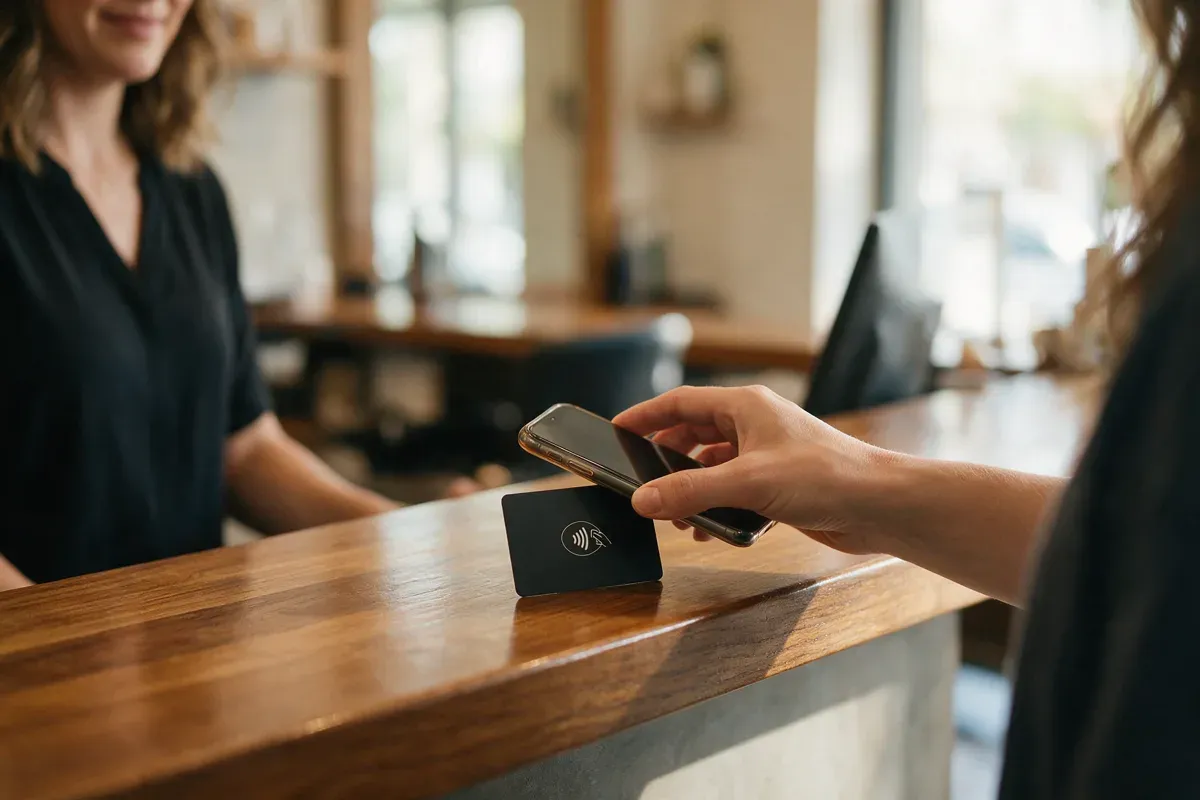
Quick answer: Yes, Google review cards and NFC stands can work, but mainly for businesses where customers stand at a counter or reception desk, like salons, clinics and auto shops. A customer taps the card with their phone (or scans the QR code) and Google's review form opens. If you do jobs at the customer's home, a text with your review link after each job usually works better.
Below we explain how tap-to-review actually works on iPhone and Android, the honest pros and cons, what they cost, how to make your own free QR review card using Google's own QR code, and the mistakes that can get reviews removed.
What is a Google review card?
A Google review card is a small plastic or metal card, usually the size of a credit card, that sends customers straight to the review form on your Google Business Profile. Most cards on the market do this in two ways:
An NFC chip inside the card. NFC (near-field communication) is the same short-range wireless technology phones use for contactless payments. The chip stores your review link, and the phone reads it when the customer holds it close.
A printed QR code on the front, as a backup for phones where NFC is turned off or doesn't respond.
The same idea also comes as Google review stands for your counter, stickers and keychains. They all do the same job.
How "tap for Google review" works on iPhone and Android
Sellers describe it as "one tap". In practice it's usually tap, then one more tap. Here's what happens, based on Apple's and Android's own developer documentation.
iPhone
iPhones that support background tag reading pick up the card automatically, with no app needed. According to Apple's documentation, the iPhone only reads tags while it's in use, then shows a small pop-up notification. The customer taps that notification and the link opens in Safari. If the phone is locked, it asks them to unlock it first.
Apple also lists times when the tap won't work, such as when the camera is open, Apple Pay Wallet is in use or airplane mode is on, and notes that not every device supports background tag reading. That's why the QR code on the card matters.
Android
Android phones with NFC usually look for tags whenever the screen is unlocked, unless NFC has been switched off in settings. On the newest Android versions, tapping a tag that holds a web link shows an "open link" notification that the customer taps to continue. Some phones also don't have NFC at all.
At your counter: ask customers to unlock their phone and hold its back close to the card (on iPhone, the top edge). If nothing happens after a couple of seconds, point them to the QR code. Either way, they need to be signed in to a Google account to post the review.
Do Google review cards actually work?
They remove friction: the customer doesn't have to search for your business and find the "Write a review" button. Google itself suggests displaying your review QR code in your store, so the idea is in line with Google's own advice.
What a card can't do is make someone want to leave a review, or remember to do it later. We haven't found an independent study measuring how many extra reviews a card produces, so be wary of sellers quoting big percentages without a source. Treat the card as a shortcut, not a strategy. It works best when someone on your team asks in person ("Would you mind leaving us a quick review? Just tap here") at the moment the customer is happy.
Pros and cons
Pros
Fast for the customer. No searching, no typing your business name.
One-off cost. Most cards and stands we checked have no monthly fee.
Works in the moment. The customer can review while still at your counter and still happy.
Two ways in. Cards with both NFC and a QR code cover nearly every phone.
Cons
Only reaches people who are physically there. Customers you serve at their home or by phone never see it.
Not every tap works first time. Thick phone cases, NFC switched off, the camera open, or older phones can all get in the way.
Some cards depend on the seller. Certain cards point to the seller's own short link, which then forwards to Google. That lets you change the destination later, but if that service stops, the card stops working too.
It relies on someone asking. A card nobody mentions is easy to ignore.
Unprotected tags can be rewritten. If the chip isn't locked, anyone with an NFC writing app could change where it points.
How much do Google review cards and stands cost?
Prices vary a lot between sellers, materials and quantities. As two examples at the time of writing (October 2026): one US seller lists a single NFC and QR review card at $22.90, or $99.90 for a pack of 10, with no monthly fee. A UK seller lists a pack of 3 cards at £21.02 and a counter display at £35.03, also with no monthly fee.
Before you buy, check: is there a subscription, does the card point directly to your Google review link or to the seller's redirect link, and is there a QR backup?
When review cards work, and when they don't
Good fit: customers come to you
Cards and stands make the most sense where customers stand or sit at a desk for a moment at the end of the visit:
Salons and barbers at the checkout, or a card handed over with the receipt.
Dental practices and clinics at reception while the patient books the next appointment.
Auto repair and body shops at the counter when the customer collects the car and the keys.
Shops, gyms, studios and cafés by the till.
Poor fit: you go to the customer
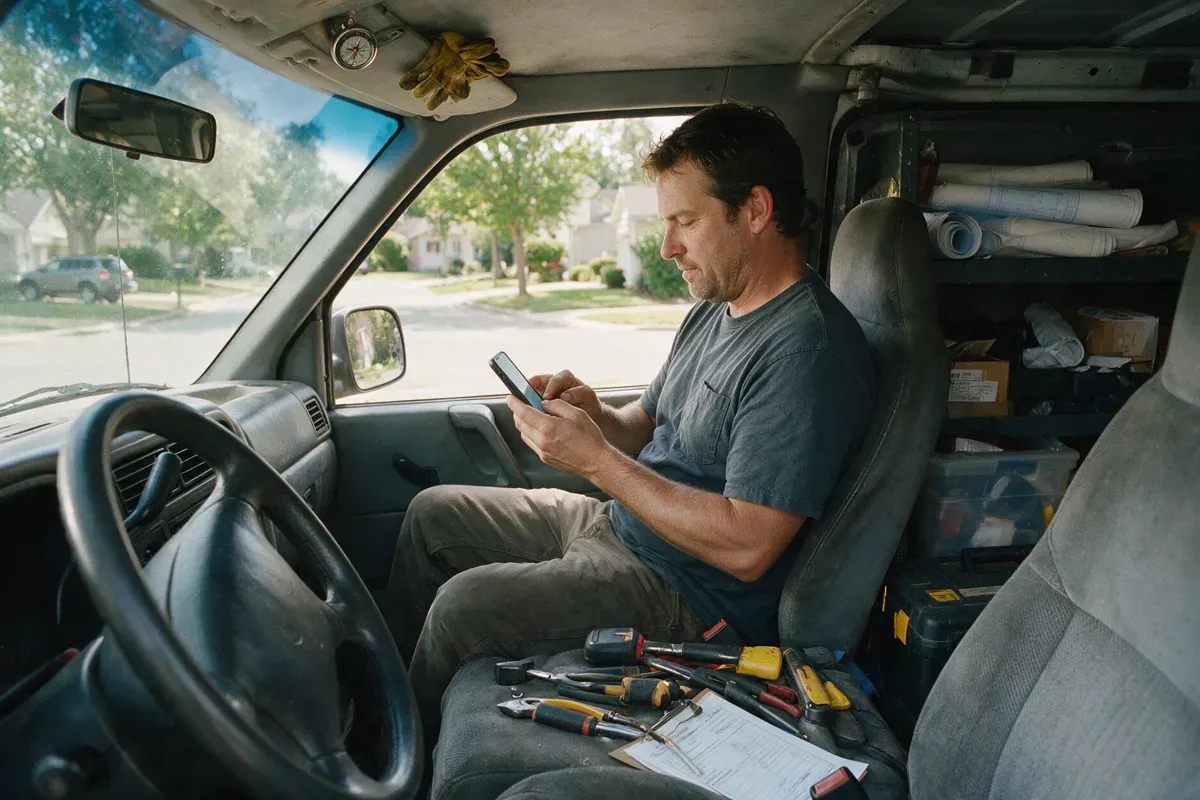
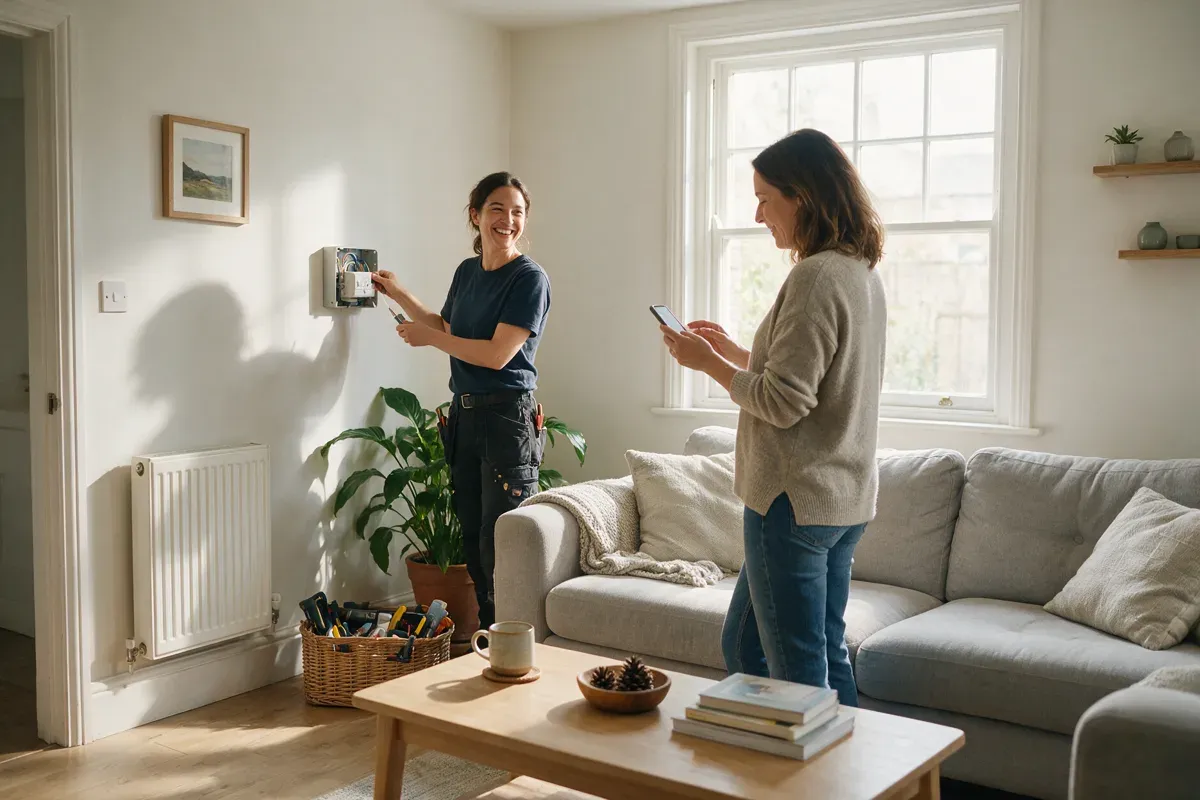
For plumbers, electricians, HVAC installers, roofers, cleaners and landscapers, the job happens at the customer's house. You can leave a card behind, but it usually ends up in a drawer. Even if the customer means to do it "later", nothing reminds them.
Here, a short text with your review link, sent the day the job is finished, usually works better. It lands on the phone the customer will use to leave the review, and it reaches every customer, including ones you never met in person.
Card vs. free QR code vs. text request
NFC review card / stand | Free Google QR code (printed) | Text with your review link | |
|---|---|---|---|
Cost | One-off purchase | Free (plus printing) | Free to send manually, or part of a review tool |
Best for | Counter and reception businesses | Counters, receipts, invoices, leave-behind cards | Every business, especially home-service jobs |
Reaches customers who aren't on site | No | Only if printed on something they keep | Yes |
Reminder if they forget | No | No | Yes, one follow-up text |
Works on any phone | Most (with QR backup) | Any phone that reads QR codes | Any phone that gets texts |
Many businesses combine them: a card at the counter, and a text afterwards for everyone else.
How to make your own free Google review QR card
You don't need to buy anything to get started. Google gives you a free review QR code in your Business Profile.
Get your QR code. On a computer, go to your Business Profile, select Read reviews, then Get more reviews. Right-click the QR code and choose Save image as... Google's help page says review QR codes can currently only be created on a computer browser, not on a phone. (Our guide to finding your Google review link has the full steps for desktop and mobile.)
Design the card. Use any free design tool or your printer's template. Keep it simple: your logo, the QR code, and one line such as "Enjoyed your visit? Scan to review us on Google."
Print the QR code big enough. It should scan easily from where the customer will be standing or sitting. Leave white space around it and don't stretch it.
Test it on two phones, ideally one iPhone and one Android, before you print a big batch. It should open the review form with the star rating box, not just your profile.
Put it where the moment happens: reception, next to the card terminal, on receipts, or on a card you hand over at pickup.
Want the tap as well? Add a blank NFC tag
If you'd like the NFC tap without buying a branded card, you can buy blank NFC stickers or cards (NTAG chips are the common type) and program them yourself:
Install an NFC writing app on your phone.
Choose to write a URL record and paste your Google review link (the one from Get more reviews).
Hold your phone over the tag to write it.
Test it on an iPhone and an Android phone.
Once it works, use the app's option to lock the tag so nobody can rewrite it. Locking is permanent, so only do it after testing.
Stick the tag behind your printed QR card or stand, and it points directly at Google with no middleman.
Mistakes to avoid
Pointing to your profile instead of the review form. A link to your Google Maps listing makes customers hunt for the "Write a review" button. Always use the link or QR code from Get more reviews, and test it.
Offering a reward. "Tap to review and get 10% off" breaks Google's rules. Google's content policy doesn't allow businesses to offer incentives such as payment, discounts or free goods in exchange for a review. The US FTC rules are narrower here, but Google's are stricter, and Google can remove the reviews.
Asking for five stars. Some ready-made cards and listings promise "5-star reviews". Google's policy allows you to ask for reviews, but not to try to influence the rating or what the review says. Choose wording like "Tell us how we did on Google".
Only handing the card to happy customers. Selectively asking for positive reviews isn't allowed. Offer it to every customer, or display it where everyone can see it.
Pressuring people at the counter. Google's policy says businesses shouldn't require or pressure customers to leave a review while they're on the premises. Asking once and pointing to the card is fine. Standing over them until they've posted is not.
Staff reviews and staff quotas. Employees reviewing their own workplace counts as a conflict of interest under Google's policy. Google also doesn't allow businesses to require staff to collect a certain number of reviews, or to ask customers to mention a specific staff member in the review.
Using one card for several locations. Each location has its own Business Profile and its own review link. Make a separate card for each.
Never testing it again. If a card stops working, you may not notice for months. Tap and scan it yourself every few weeks.
For more on wording that stays within the rules, see how to ask for Google reviews.
Reach every customer, not just the ones at your counter
A review card is a nice shortcut for the people standing in front of you. It does nothing for customers once they've left, or for the ones you serve somewhere else. Reviews are often lost not because customers say no, but because nobody asked at the right time.
Our Google review automation handles that part. When a job or appointment is marked complete, the customer automatically gets a friendly text with your review link, plus one gentle reminder a couple of days later if they haven't left a review yet. Every customer is asked the same way, so you stay within Google's rules, and AI can draft replies to the reviews that come in. It works alongside a counter card, for example at a salon or auto shop, and on its own for home-service businesses.
Book a free call (a 20-minute call, no obligation) and we'll show you how it would work for your business.
FAQ
Do Google review NFC cards work on iPhone?
Yes, on iPhones that support background tag reading. The iPhone must be in use and unlocked, and the customer taps a notification to open the link. It won't read tags while the camera or Apple Pay Wallet is open, so a QR backup helps.
Are Google review cards allowed by Google?
Yes. Google suggests displaying your review QR code in your store. What's not allowed is rewarding reviews, asking only happy customers, asking for a specific rating, or pressuring customers on your premises.
Do I need a subscription for a Google review card?
Not usually. The cards and stands we checked were a one-off purchase with no monthly fee. If a seller does charge monthly, ask what you get for it, and ask whether the card points directly to Google or through the seller's own link.
Is the Google review QR code free?
Yes. The review link and QR code are free features of your Google Business Profile. You can download the QR code from a computer browser under Read reviews, then Get more reviews.

WebScaling is a web agency for small businesses in Morocco and around the world: websites, Google Business Profile and reviews, SEO and AI visibility, then ads, AI agents, automations and custom software.